
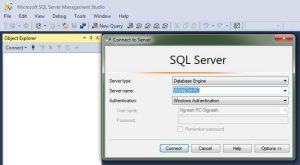
Use the Availability Group Wizard (SQL Server Management Studio)
Applies to: SQL Server (all supported versions) This topic describes how to use the New Availability Group Wizard in SQL Server Management Studio to create and configure an Always On availability group in SQL Server 2019 (15.x). An availability group defines a set of user databases that will fail over as a single unit and a set of failover partners, known as availability replicas, that support failover. Note For an introduction to availability groups, see Overview of Always On Availability Groups (SQL Server). Before You Begin We strongly recommend that you read this section before attempting to create your first availability group. Prerequisites, Restrictions, and Recommendations In most cases, you can use the New Availability Group Wizard to complete all of the tasks require to create and configure an availability group. However, you might need to complete some of the tasks manually. To use certificates for a database mirroring endpoint: CREATE ENDPOINT (Transact-SQL) Use Certificates for a